Top sellers
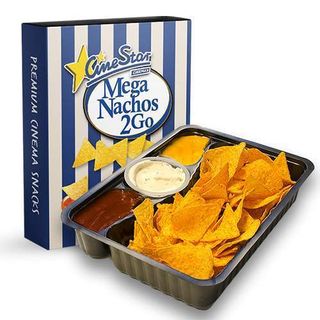
Mega Nachos Classic 2GO sa 3 umaka
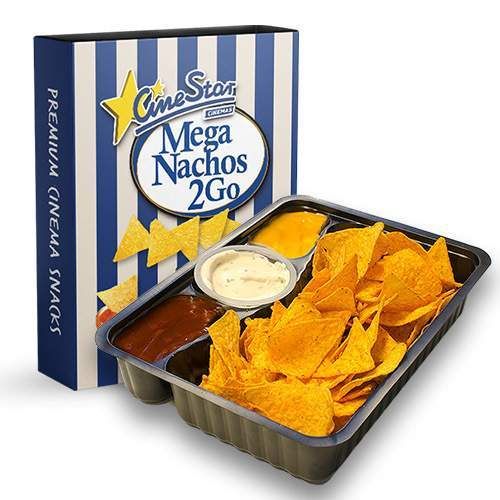
Mega BBQ Nachos 2GO sa 3 umaka
Kokice
Kokice
MEGA Nachos
MEGA Nachos
Combo meni
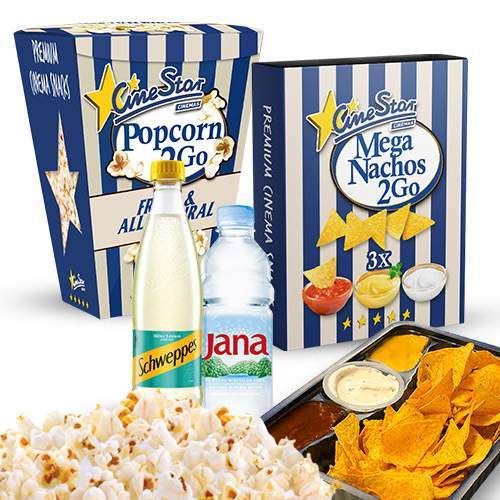
Combo meni
Slatkiši
Slatkiši
Bezalkoholno piće
Bezalkoholno piće
Obavijesti potrošačima
Frequently asked questions
How can I order CineStar Cinemas delivery in Split?
To order your CineStar Cinemas delivery in Split, all you have to do is open the Glovo website or app and go to “SUPER-MARKET” category. Next, enter your address to see if delivery for CineStar Cinemas is available in your area of Split. Then you can choose the products you want and add them to your order. Once you complete the payment, your order will start to be prepared and soon after a courier will bring it directly to your door.
What can I order in CineStar Cinemas in Split?
CineStar Cinemas offers a big variety of items you can order. Take a look at the product list and choose what you would like to order from CineStar Cinemas.
Are there any promos for CineStar Cinemas in Glovo?
Always look for discounted products and current special offers, which are marked in yellow. Sometimes you can find special offers such as 2 for 1 or discounted delivery!
Is CineStar Cinemas available in Prime?
No. Prime is Glovo’s subscription program where you get unlimited free deliveries from some of our partners and other benefits!
When can I order delivery from CineStar Cinemas?
During CineStar Cinemas’s working hours you can place your order at any time. Thanks to our speedfast delivery you will be able to enjoy your glovo within minutes! You can also schedule your delivery to a time that would be convenient for you, even if the store is currently closed.
Is there a minimum order value at CineStar Cinemas?
There is a minimum order quantity at CineStar Cinemas. But don’t worry - if you don’t reach you will only have to pay an additional fee, but your glovo will be delivered to you anyways!
Can I order products from CineStar Cinemas for someone else?
Yes, of course! You can easily send products from CineStar Cinemas to someone else or make it a gift. All you need to do is introduce the correct delivery address in Split. Just before confirming the order you will be able to add contact details of the person who will receive it. You can also add an optional comment to let the courier know that the order is supposed to be a gift.
Your order
Temporarily closed